
Time off and blocked periods
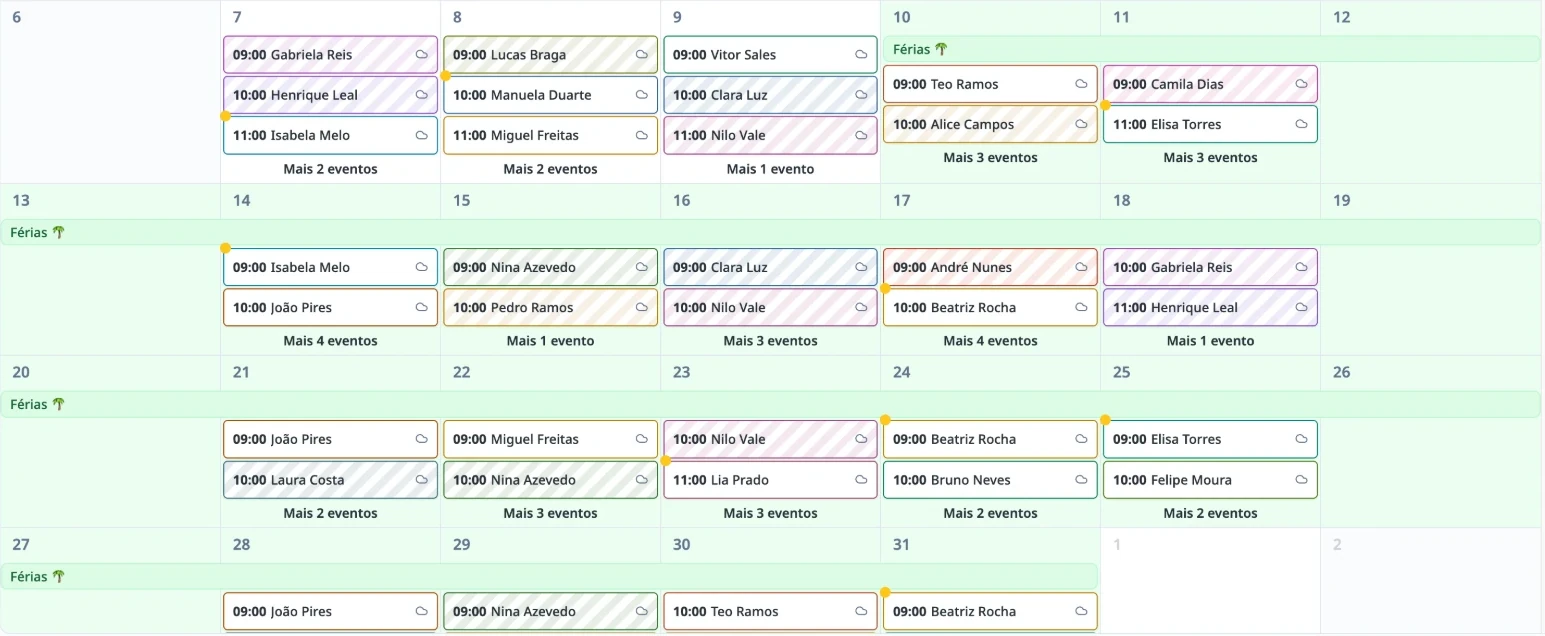
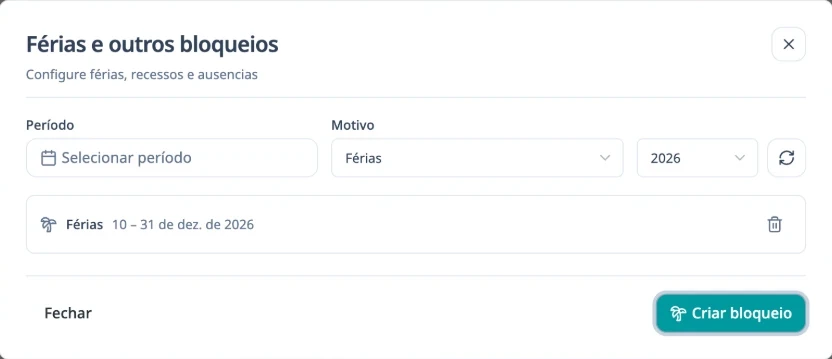
Add holidays, breaks and absences in a few clicks. New times stop being offered during that period, and existing appointments stay your decision.

The new Ana M Calendar
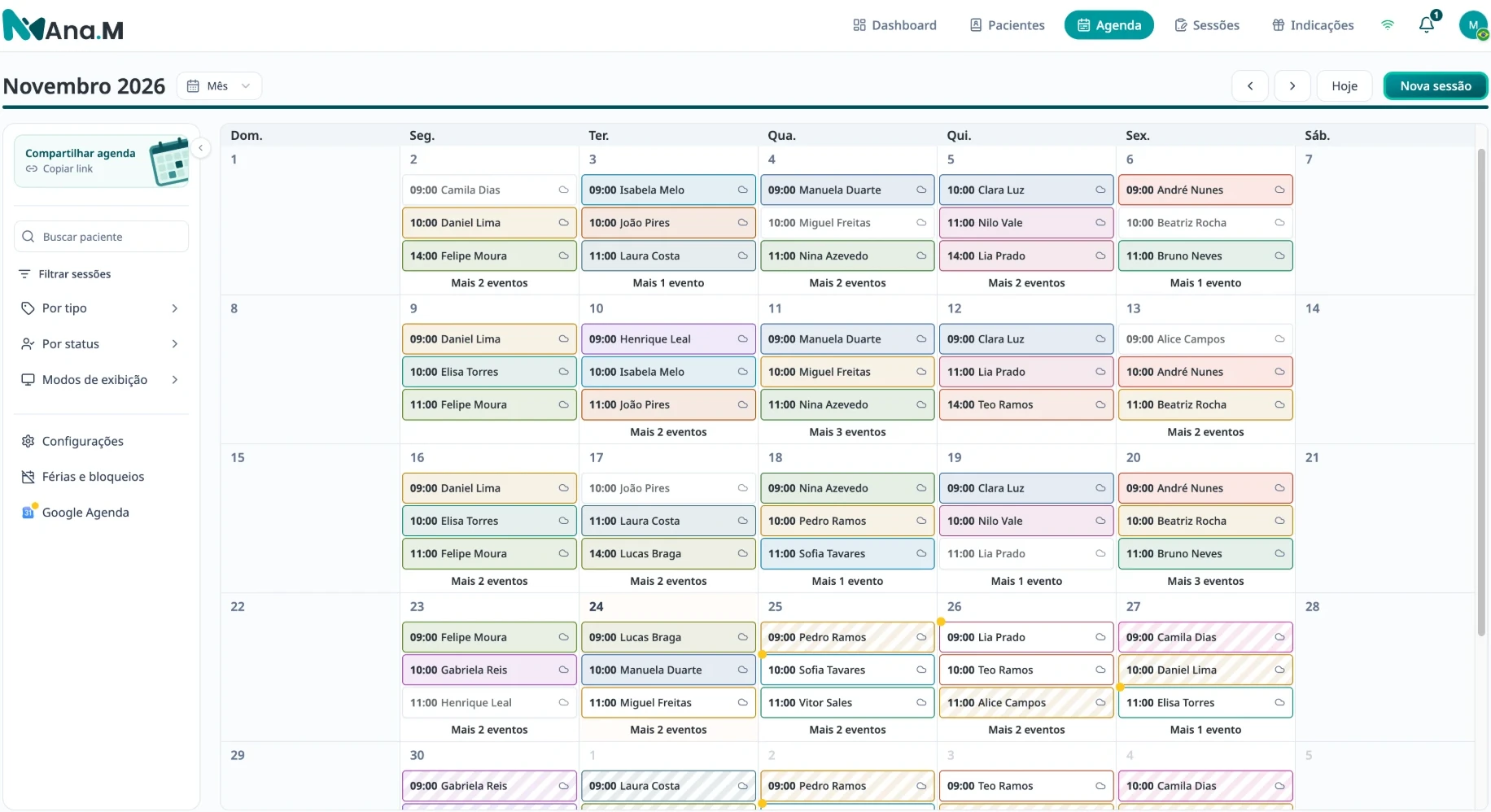
Sessions, recurring appointments, online booking for your clients, personal commitments, time off and much more. All in one place. Works with Google Calendar and ready for any time zone.

Overview
Month, week, day and a list view on mobile. Search by client and filter by session type and status.
Share a link with your free times. Confirm automatically or approve each request.
Everyone sees their own local time. Work from wherever you are, with no time zone maths.
One click on Go to session links preparation, notes and the report to the right appointment.
Time zones
You in Lisbon, one client in São Paulo and another passing through Istanbul. Ana M keeps the agreed moment and shows each person their local time, including daylight saving changes in every region.
Availability, recurring sessions and the times you enter follow your calendar's region, not a fixed hour offset.
On the booking page, times appear in the time zone of the person booking, who can change it at any moment.
Confirmations and reminders show the date and time in each recipient's time zone.
In another city for a few days? The appointment stays at the same moment. Only the way it is displayed adapts.
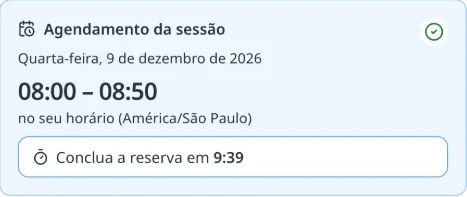
Try a session
Wednesday 9 December
Times calculated by your browser using each region's official rules.

Google Calendar integration
Connect your Google account and Ana M takes into account the busy times in the calendars you choose. Your sessions appear in a dedicated Google calendar, so you can see everything on your phone.
Personal commitments no longer show as free time on your booking page.
Sessions are mirrored to a separate calendar with your name and Ana M, without mixing with your own events.
Ana M only reads busy intervals. Titles, descriptions and attendees of your personal events are never imported.
For online sessions, request a Meet link and check it is ready before you start.
 and

Your Google Calendar
BusyBusyBusyAna M Calendar
08:00Free09:00Unavailable10:00Clara Luz11:00Free12:00UnavailableMarina | Ana M
10:00 Clara Luz14:00 Lia Prado16:00 Teo RamosOnline booking
Share your booking page. Clients choose a free date and time in their own time zone and send a request in a few steps, without creating an account.

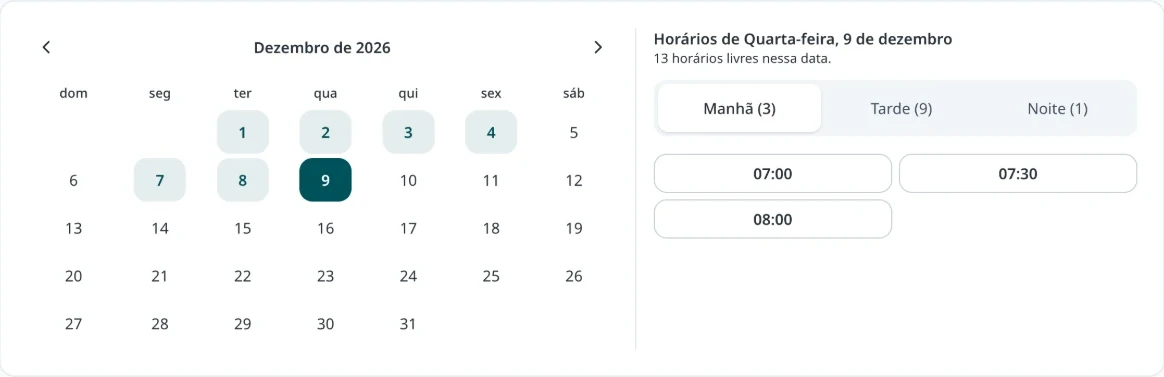
Weekly hours, session length, breaks, minimum notice and how far ahead people can book.
Morning, afternoon or evening. The slot is held for a few minutes while they finish the request.
Automatic confirmation or approval of each request, linked to the right client record.
In My sessions, clients sign in with a code sent by email and confirm, reschedule or cancel within the notice periods you set.
For your everyday work
Add holidays, breaks and absences in a few clicks. New times stop being offered during that period, and existing appointments stay your decision.
Weekly sessions that end after a number of sessions, on a date or never. Change one date, the following ones or the whole series.
Study, lunch or supervision in the same calendar. Mark them busy or free, without creating a client record.
For ongoing clients, a personal link to book new sessions.
Let whoever organises your schedule view, create, reschedule or approve requests, with no access to clinical content.
When you change your hours, see which appointments fall outside them and choose between keeping or cancelling them.
Approved request, client confirmation and attendance are separate records, so you know what really happened.
And there is more
Requests, confirmations and calendar changes arrive in one place in the app, with browser alerts. Choose what goes out by email and WhatsApp, for you and your clients.

Frequently asked questions
No. The integration is optional. Connect whenever you like, choose which calendars should block times and disconnect at any moment.
No. Ana M only reads busy times from the calendars you select. Titles, descriptions and attendees of your personal events are not imported into client records.
Everyone sees the appointment in their own time zone. Ana M keeps the same moment for everyone and applies each region's daylight saving rules, so you never have to work out the difference.
No. On the booking page they enter their name and email to send a request. To keep track, they open My sessions with a code sent by email.
Yes. Choose between automatic confirmation and request approval. When approving, you check the time and link the person to the correct client record.